Artwork & file guide
Artwork that prints and cuts properly
A quick guide to the files we need.
Why it matters
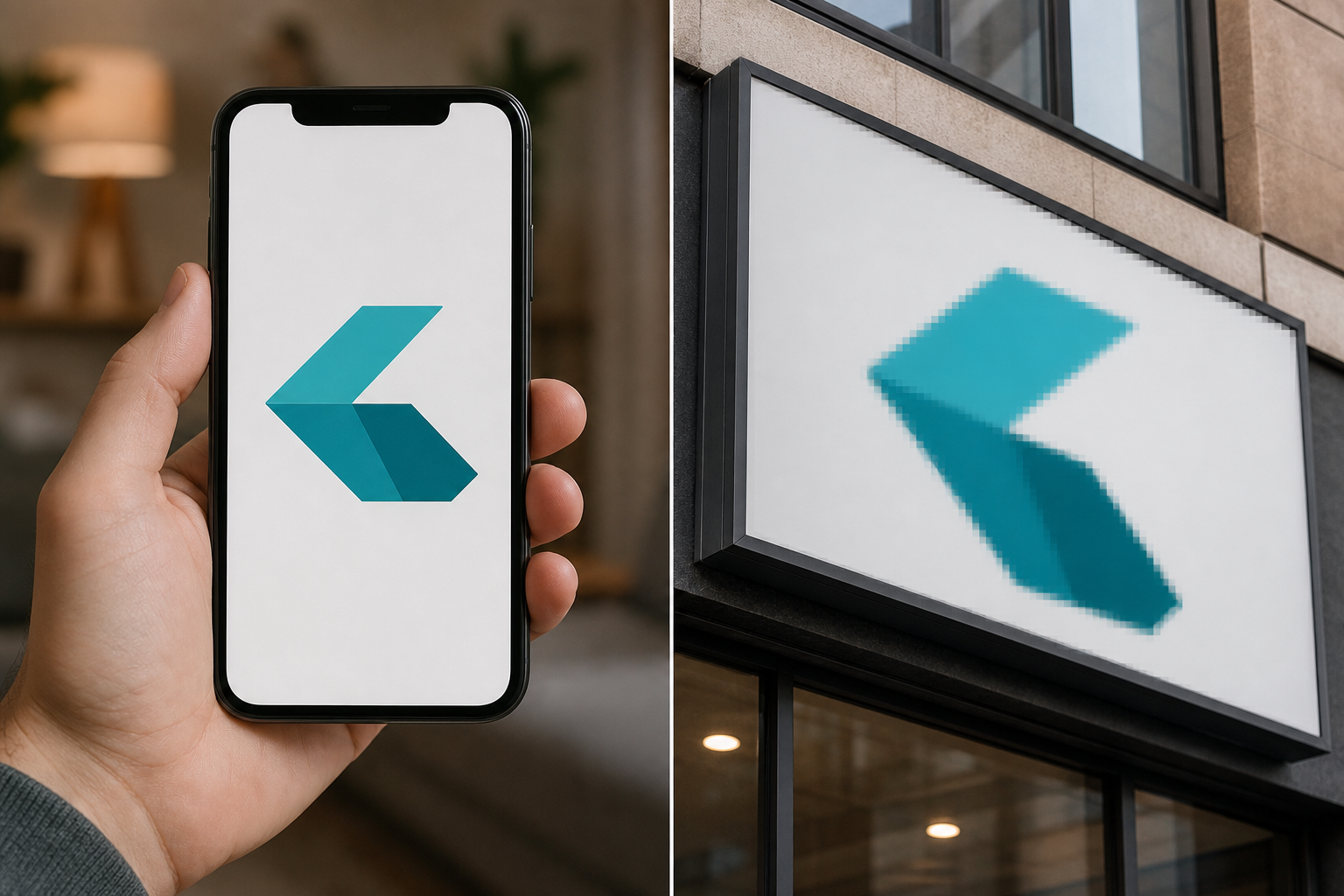
What looks sharp on a phone can fall apart on a sign.
A phone only needs a small image. Enlarging that same file for a vehicle, shopfront or sign can expose every pixel. We always check artwork before production, but supplying the right file helps us get the best result quickly.
Logo photos are not artwork files
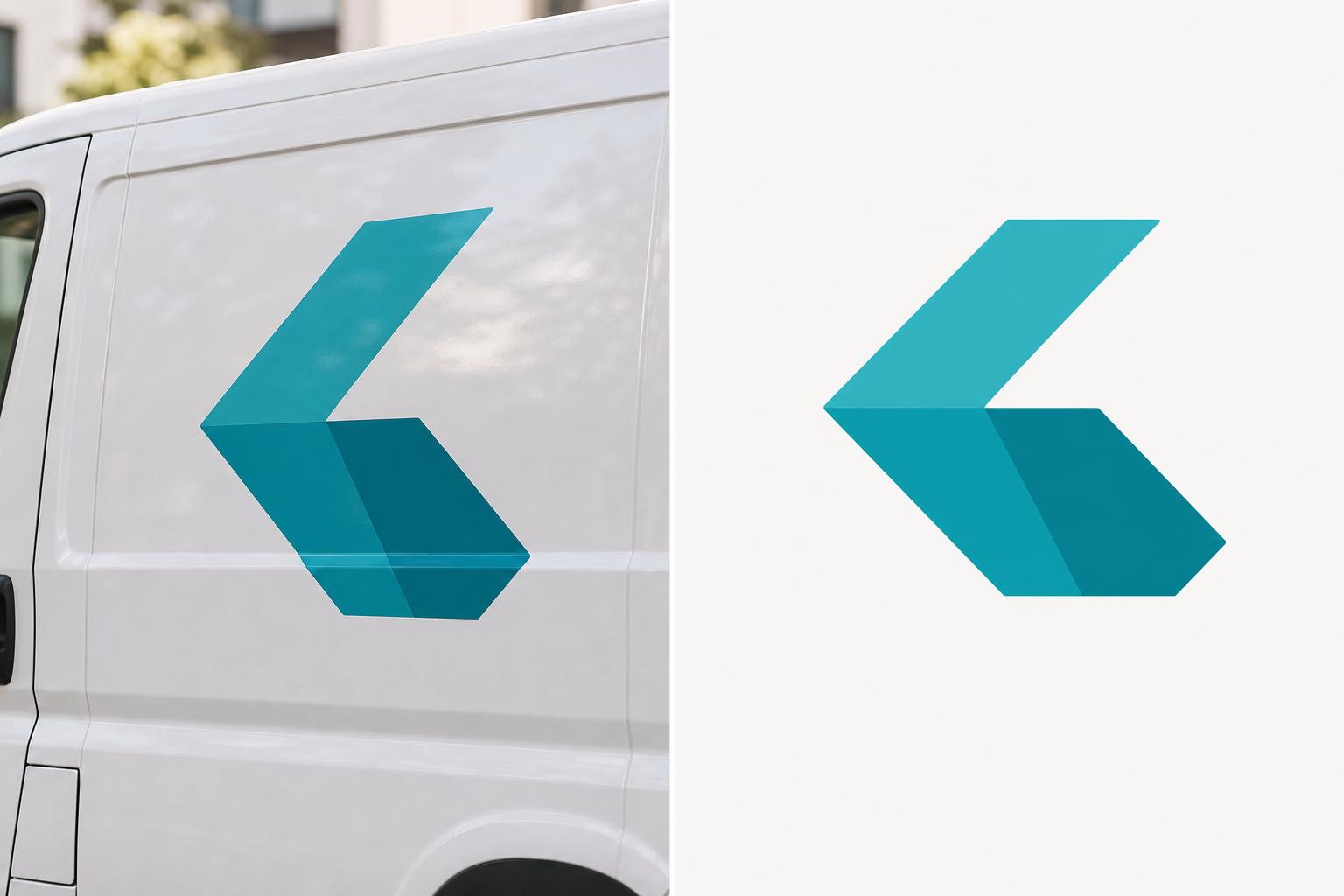
We cannot print a photo of a logo.
It needs to be a flat, front-on artwork file. A photo of a logo on a car, sign or uniform brings in perspective, reflections, shadows and usually not enough resolution. Printing it would reproduce those problems, leaving the logo skewed, soft or pixelated.
Please send the original logo file where you can, or invite us to the Canva design. If that is not available, we can redraw and prepare the artwork for you.
What to send
For cut vinyl
SVG, AI, EPS or a proper vector PDF. A JPG or PNG cannot be cut to shape.
For full-colour print
Vector is best. Otherwise, supply the artwork at its final print size and 300 dpi.